
experience our new AI powered mobile app chhabi - explore our AI Image Editor for smart photo filters and retouch tools.
Quick edits, pro results—background removal, retouching, filters, text, shapes, and more.

Everything you need to design, edit and showcase your app—crafted into one powerful, easy to use app.
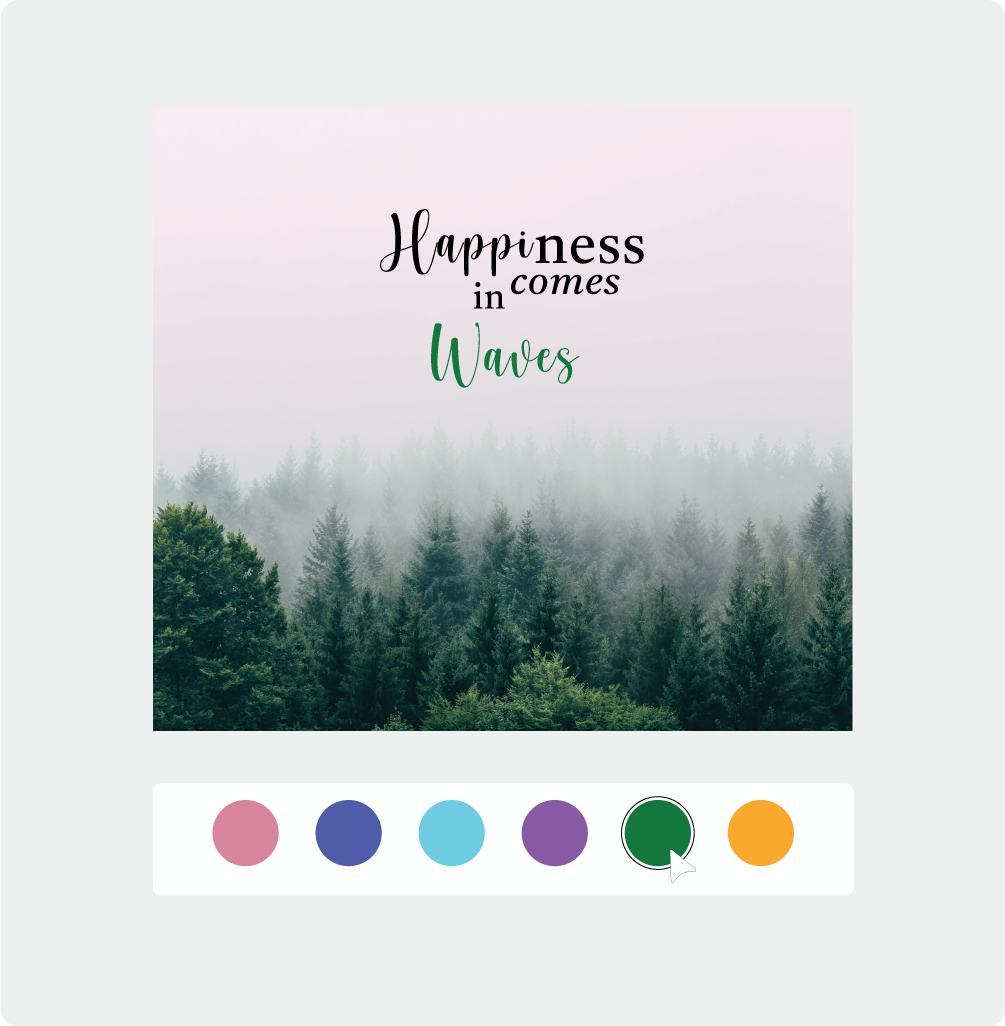
Customize beautiful ready-made templates in seconds. Create stunning intros without any design effort.
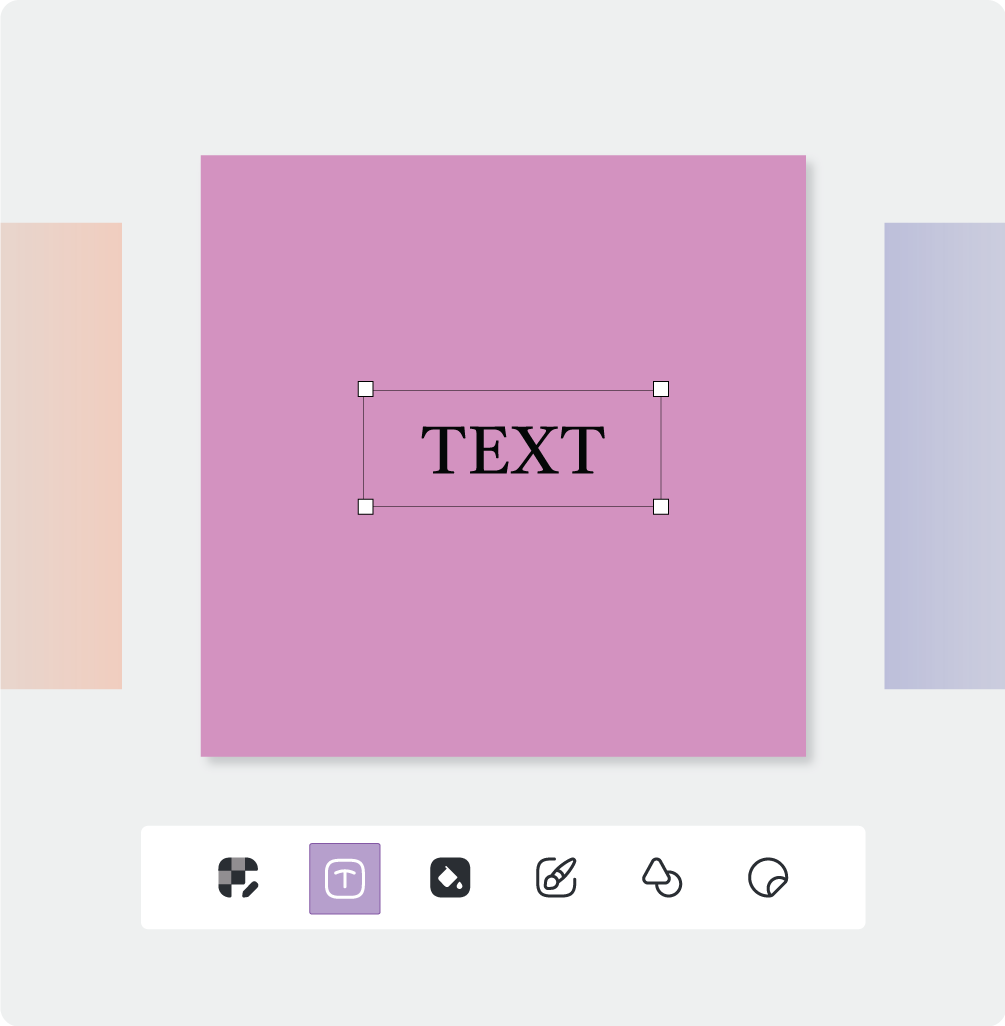
Design freely on a smooth, flexible multi canvas. Move and arrange elements with drag & drop.
AI-driven filters & smart adjustments help you perfect every image with ease. Refine your visuals into pro results instantly.
State-of-the-art neural networks designed for professional results in seconds.
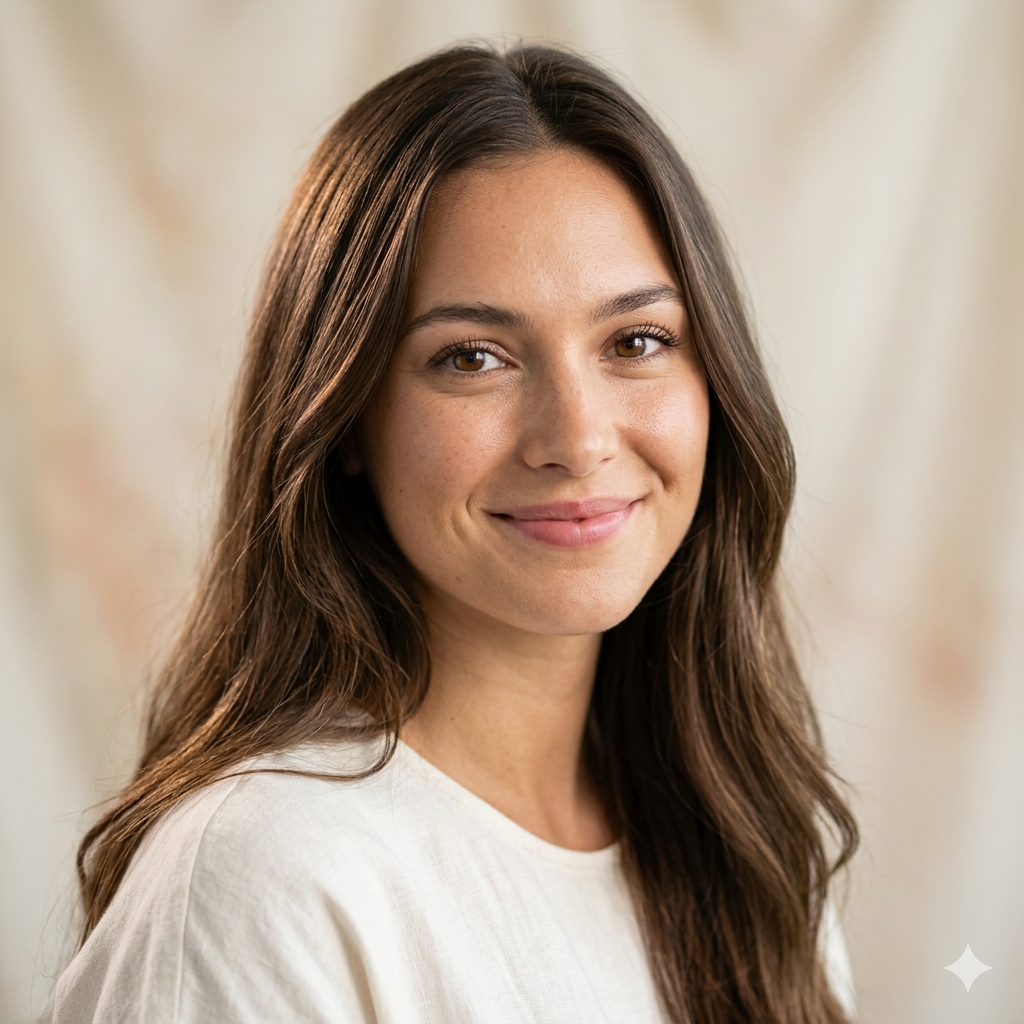

Clean, precise cutouts in one tap. From product shots to portraits, our AI handles complex edges like hair and fur with professional accuracy.


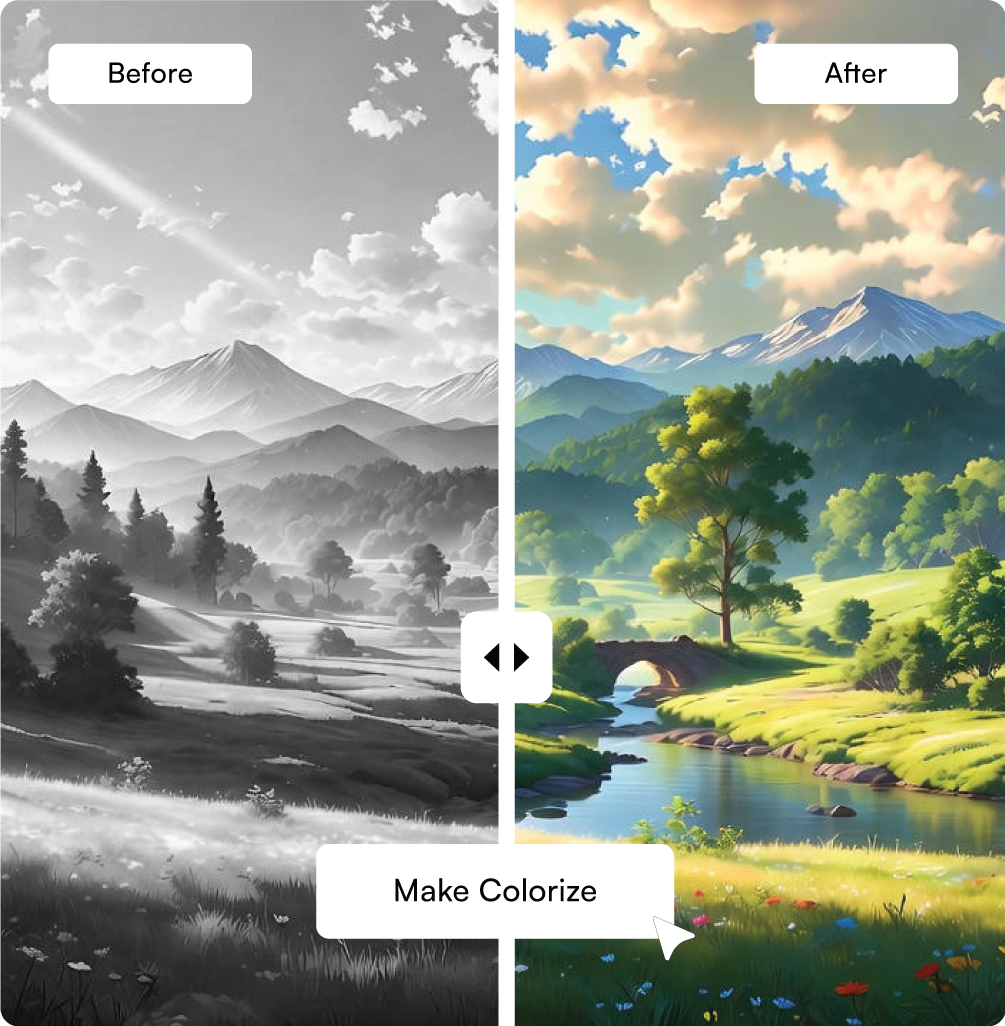
Breathe life into old memories. Transform vintage black & white photos into vibrant color masterpieces using advanced neural networks.
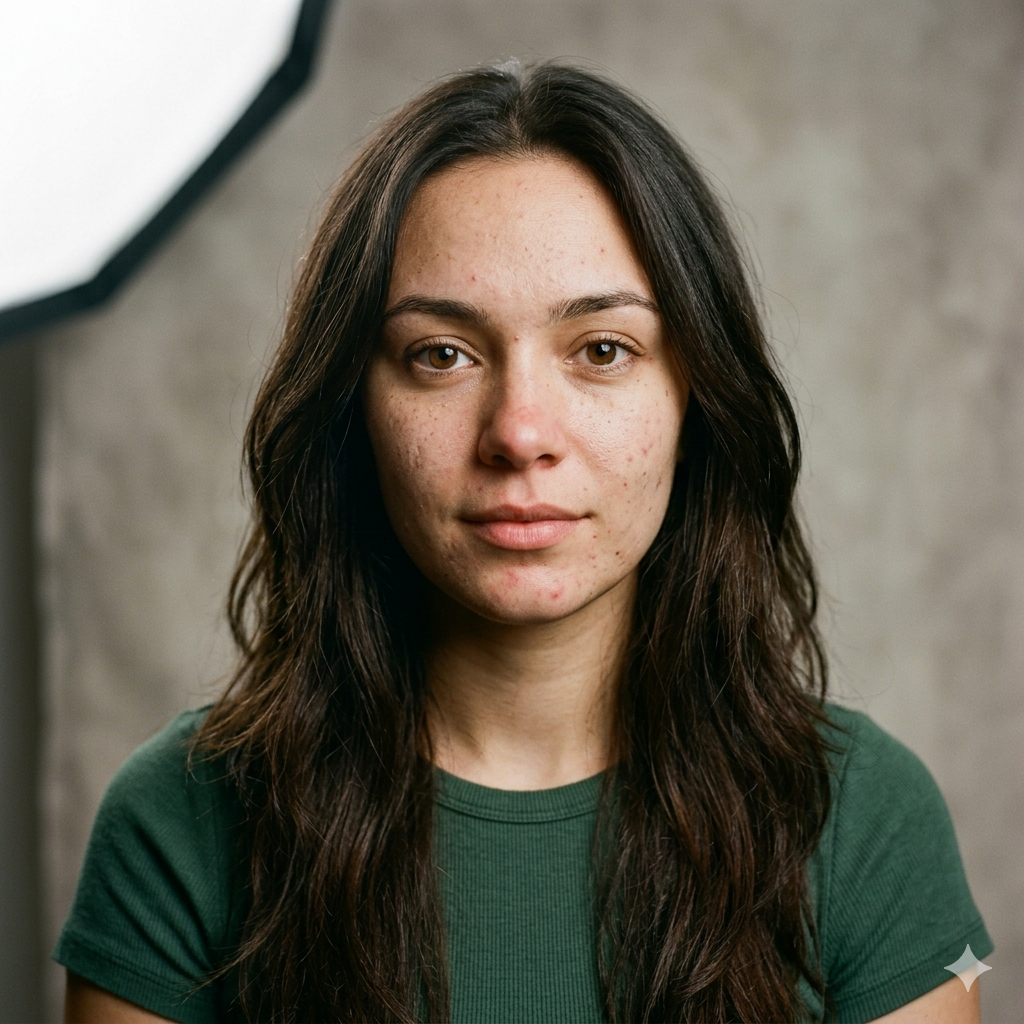
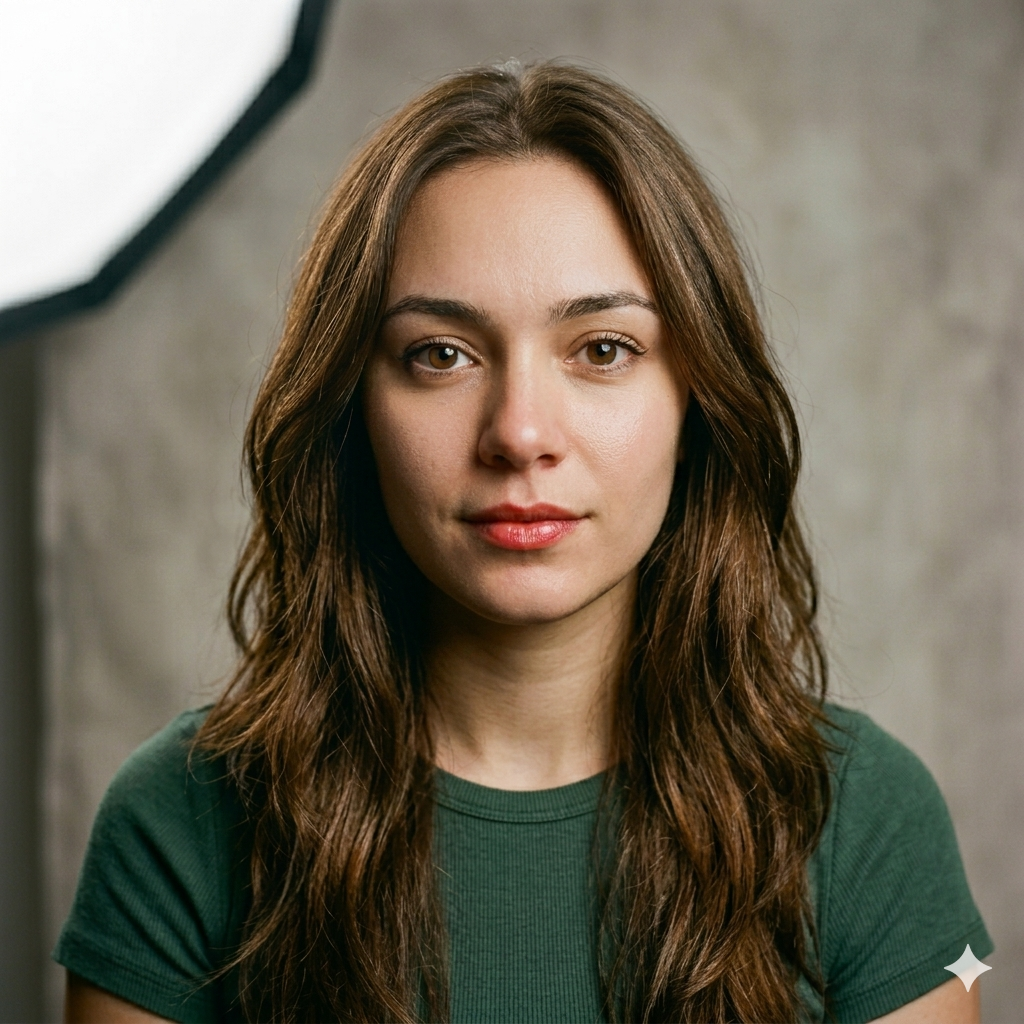
Flawless portraits instantly. Perfect your skin, enhance features, and adjust lighting naturally without losing authentic textures.
Everything you need to know about Chhabi ecosystem.
Chhabi combines professional-grade tools like RGB Curves and Multiple Artboards with powerful AI features like Background Removal and Colorization—all in a single, high-performance ecosystem designed for both beginners and pros.
Yes, Chhabi is 100% free. You can use every tool, including advanced AI features, and export your designs in high resolution without any watermarks or hidden subscription costs.
No registration is required. You can use Chhabi as a guest and get instant access to all features immediately upon opening the app, ensuring your creative process is never interrupted by a login wall.
Absolutely. With support for multiple artboards, precision color grading (Curves/Levels), and the ability to export in professional formats like PDF, ACO, and ASE (Photoshop), Chhabi is built to handle professional creative workflows.
Our advanced AI automatically detects the subject in your photo and removes the background with a single tap. You can then save the result as a transparent PNG or instantly replace the background with a new design.